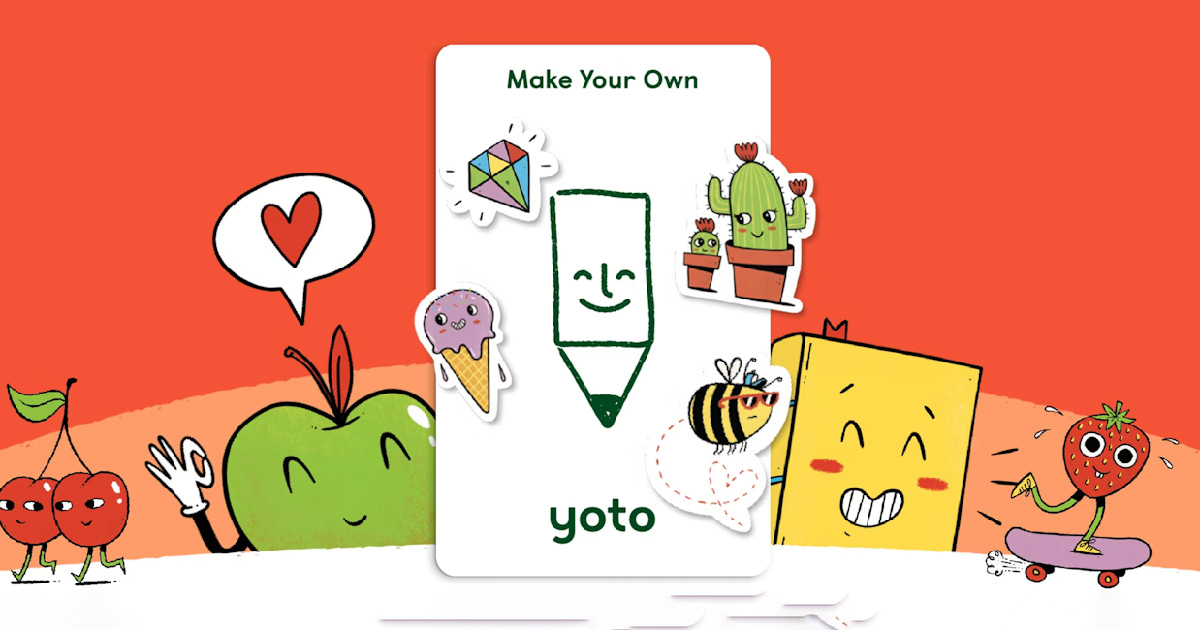
How to Add Music to a Yoto Make Your Own Card
Learn how to add music to a Yoto Make Your Own card. Simple step-by-step guide to upload audio, create playlists, and link your MYO card.
Find free Yoto icons designed by the community. Our icon library is always growing - ready to download and use on your Yoto Player.
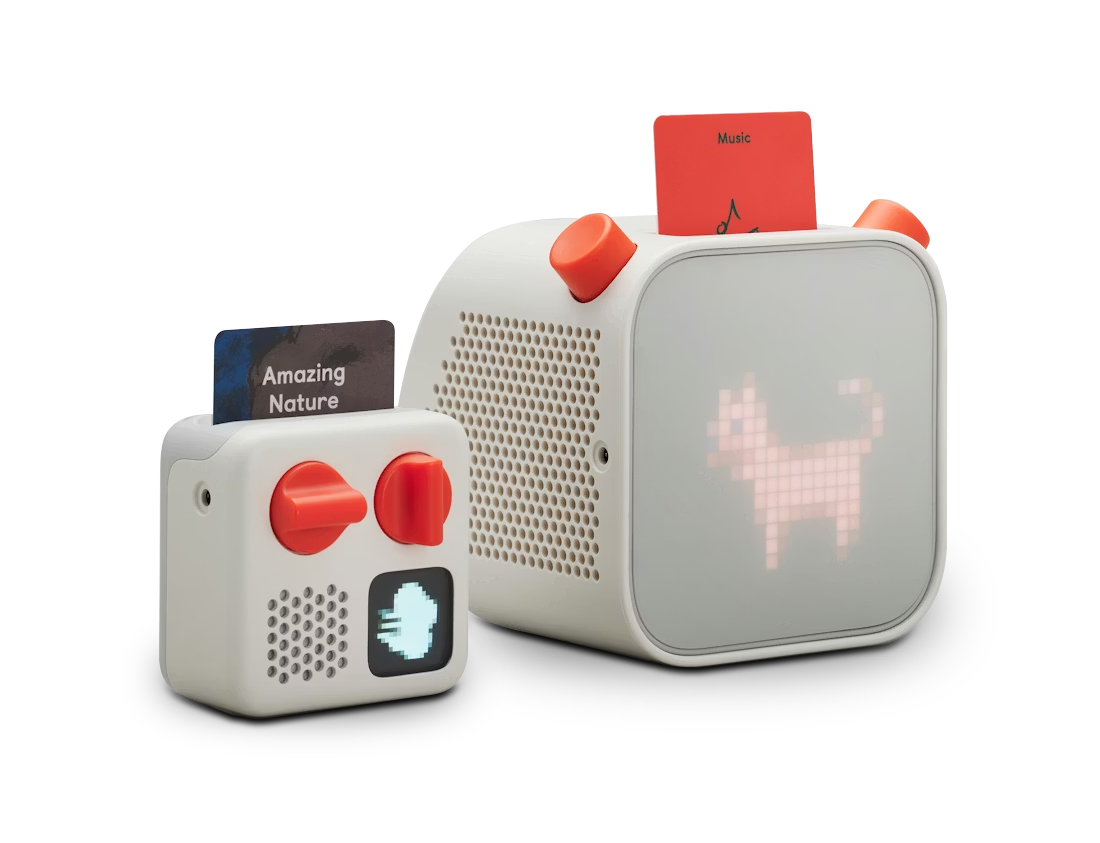
Learn how to add music to a Yoto Make Your Own card. Simple step-by-step guide to upload audio, create playlists, and link your MYO card.
ScreenFreeAudio is a free resource offering music, guides and tips to help families get the most from their Yoto Player. You’ll find downloadable audio, playlists, and practical how-tos for everyday use.
Yes. All music on ScreenFreeAudio is free to listen to and download for personal use, with no subscriptions or sign-ups required.
Yes. You can use downloaded audio with your Yoto set-up. We’ll be adding more step-by-step guides to help you organise and use audio in a way that suits your routines.
We do. Our guides cover things like choosing audio for different ages, building routines, and getting the most from your Yoto Player at home.
An internet connection is typically needed to set up and sync content. Once content is on your device/cards, playback can be used offline depending on your set-up.
You’ll find a mix of children’s music, calming audio, fun tracks for playtime, and family-friendly listening to suit different parts of the day.
Yes. We focus on family-friendly, age-appropriate audio. As always, we recommend previewing anything you download if you want to match your child’s age and preferences.
You’re welcome to share links to our pages so others can explore the content themselves. We ask that downloaded files are not re-uploaded to other websites or platforms.
Yoto icons are small 16×16 pixel images you can use for custom cards and content. Our community library lets you browse and download icons to help organise your audio.